









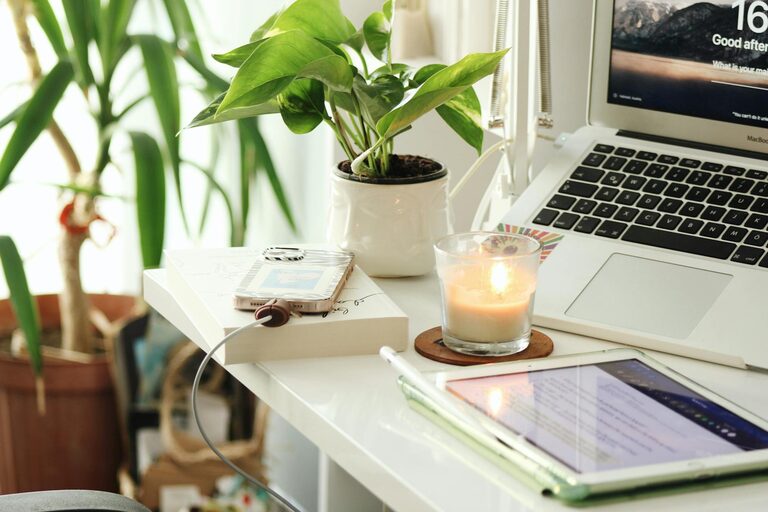
Creating a home office that balances comfort and productivity can significantly enhance your work-from-home experience. Whether you’re a remote employee, freelancer, or simply need a dedicated spot to tackle personal projects, setting up the right environment helps you stay motivated while feeling relaxed. Here are some tips to design a cozy and efficient workspace that inspires your best work.
Choose the Right Location
Find a Quiet Spot
Pick a space in your home that is relatively free from noise and distractions. This could be a spare room, a section of your living area, or even a quiet corner. Having a dedicated area signals your brain it’s time to work.
Consider Natural Light
Natural light boosts mood and alertness. Position your desk near a window if possible, but make sure sunlight doesn’t cause glare on your screen. If natural light is limited, use soft, adjustable lighting to create a pleasant ambiance.
Invest in Comfortable Furniture
Ergonomic Chair and Desk
Choose a chair that supports your back and encourages good posture. An adjustable desk can help you switch between sitting and standing, which is great for comfort and health throughout the day.
Desk Size and Layout
Your desk should have enough space for your computer, notes, and supplies without being cluttered. A tidy workspace reduces stress and helps maintain focus.
Organize for Efficiency
Use Storage Solutions
Keeping your documents and tools organized prevents mess and saves time. Shelves, drawers, and desk organizers can help keep essentials within easy reach.
Minimize Clutter
Limit the number of items on your desk to what you need regularly. Use cable organizers to manage wires and maintain a clean look.
Create a Cozy Atmosphere
Add Personal Touches
Include items that make you feel comfortable and happy, like a small plant, photos, or artwork. These touches can boost your mood and make you look forward to your work sessions.
Control Temperature and Air Quality
Make sure your workspace is well ventilated and at a comfortable temperature. A small fan, heater, or air purifier can make a big difference in how cozy your office feels.
Enhance Focus and Productivity
Set Boundaries
Communicate your work hours to family or roommates to minimize interruptions. Use noise-canceling headphones or white noise machines if needed.
Use Time Management Tools
Employ timers, calendars, or productivity apps to help you stay on track with your tasks and breaks.
Incorporate Technology Thoughtfully
Reliable Equipment
Invest in a good-quality computer, monitor, keyboard, and mouse. A second monitor can be helpful if your work involves multitasking.
Proper Lighting
Use a desk lamp with adjustable brightness to reduce eye strain during evening work sessions.
Take Regular Breaks
Move and Stretch
Take short breaks every hour to stand, stretch, or take a quick walk. This helps reduce fatigue and keeps your mind fresh.
Refresh Your Mind
Use break time to hydrate, grab a snack, or do a brief mindfulness exercise. A clear mind improves productivity and creativity.
Keep Your Workspace Flexible
Adaptable Setup
If space allows, arrange your office setup so you can change positions or reorganize easily. This flexibility can prevent discomfort caused by staying in one posture too long.
Reflect and Adjust
Periodically evaluate your workspace. Small changes like rearranging furniture or updating your tools can enhance comfort and efficiency.
—
Creating a cozy and productive home office is about blending comfort with function. By thoughtfully choosing your location, investing in ergonomic furniture, organizing effectively, and adding personal touches, you can enjoy a workspace that supports your best work. Remember, a well-designed environment not only improves productivity but also helps you feel positive about your workday.